The Lobby
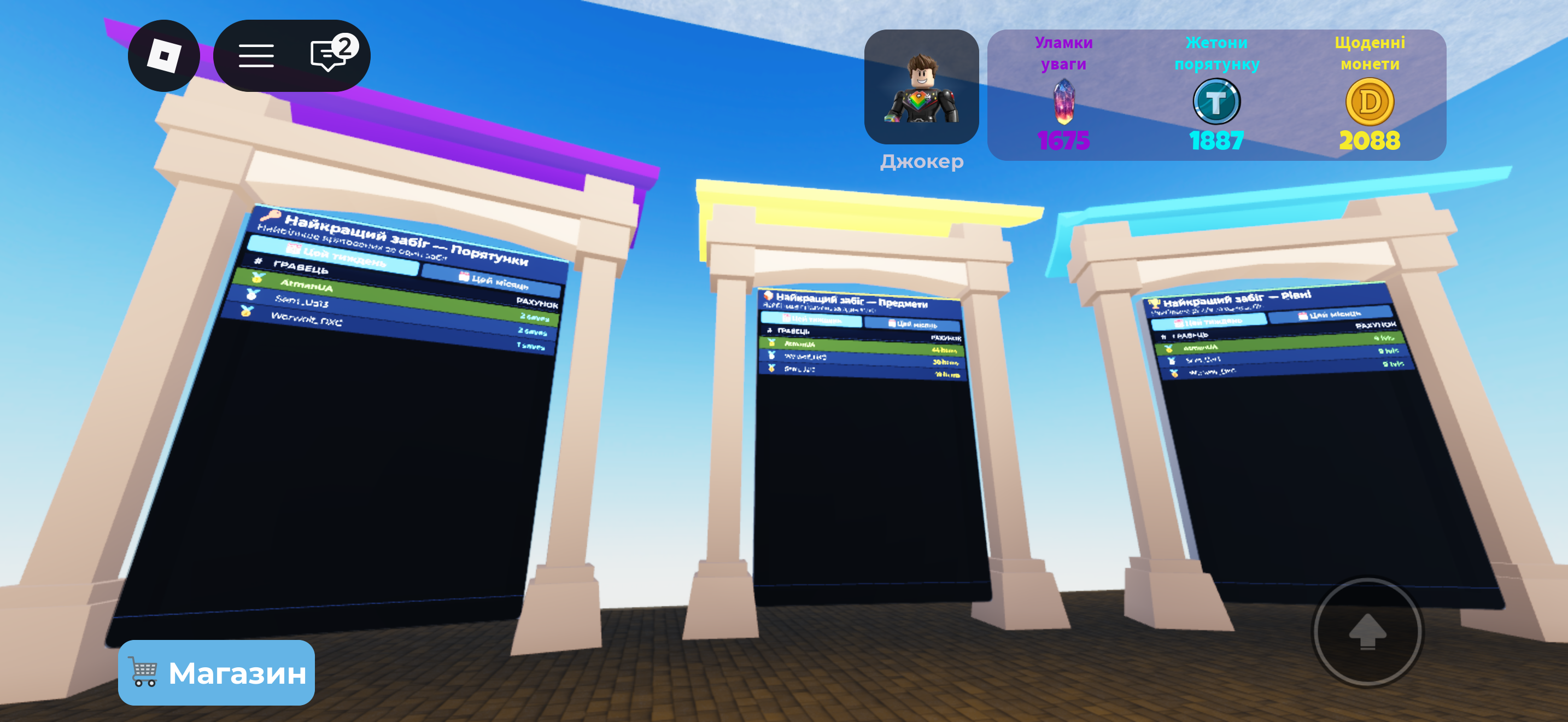
The Lobby is the hub between runs: pick a team, spend your currencies, check the boards, and learn the game. New players are guided around it by a glowing white trail on the floor that leads from one stop to the next: the How to Play board, a PlayPad, the leaderboards, then the badges.
Starting a match
- Step onto a PlayPad. A team-size panel opens.
- Pick your team size (1–6). The player who picks is the pad owner.
- Pick a game speed (optional, pad owner only): 1×, 1.3×, 1.5×, 1.7× or 2×. Faster speeds run the whole run on fast-forward: distractors, timers, jumps, everything. It's free, locked in for the whole run, and remembered for next time.
- A short countdown runs while teammates join the pad, then everyone teleports to the first level together, in your own private server.
Game speed is fair. At 2× the 3-minute round still counts as 180 game-seconds, it just takes 90 real seconds. Jumps reach the same height, and best times are recorded as if played at 1×, with a speed badge next to the record.
Private match
Want to play only with friends? On a PlayPad, tap the Private match button and buy one (a Robux purchase; the store shows Roblox's current price). A list of everyone in the Lobby opens, nearest first. Tick up to 5 guests, choose a speed and press Start match. Each guest gets a "Play together?" invite with Let's go / Not now for 15 seconds; nobody is ever pulled in without saying yes. If the launch fails, you keep your purchase for next time. Private runs count normally for leaderboards, records and unlocks.
Places to visit
| Spot | What it does |
|---|---|
| How to Play board | A 10-page illustrated guide, plus the ▶ REPLAY TUTORIAL button. See Tutorial. |
| Distractors monument | A guide to every distractor, one page each with a live 3D model and tips. |
| Shop | Buy and equip classes. See Shop and Tiers. |
| Gadget store | The button on the right edge of the screen. Buy gadgets for one run or forever. Your loadout shows at the bottom of the screen. |
| Leaderboards | Weekly and monthly top-50s. See Leaderboards. |
| Badges board | Walk up to see every badge, your progress, and collect rewards. |
| Support stand | Like the game for a one-time +25 Focus Shards and favourite it for a one-time +50 Focus Shards, or leave a Robux tip (10 / 50 / 100 / 500 R$). Tips buy a supporter rank and a line on the donor board, never currency. |
Pop-ups you'll see
- Daily coins — the first visit of each day opens the daily reward ladder with a COLLECT button.
- Badge ready — when you've unlocked a badge on a level, collect it on the badges board to get its reward.
- BUG REPORT — the tab in the top-left corner sends a bug report straight to the developers.